

Have you ever wanted to turn your basic smartphone product photos into professional-quality, interactive scroll-based animations for your website? With Scrollsequence 2, this process is simple, intuitive, and driven by powerful AI technologies. Here’s how you can quickly enhance your product presentations to engage visitors and boost conversions.
Step 1: Capture and Enhance Your Images
Start by taking a simple photograph of your product with your phone. Don’t worry about perfection—Scrollsequence v2’s advanced image-to-image AI model helps fine-tune your pictures. Just upload your image, and choose a professional look from AI-generated options. In moments, your amateur shots become studio-quality visuals.

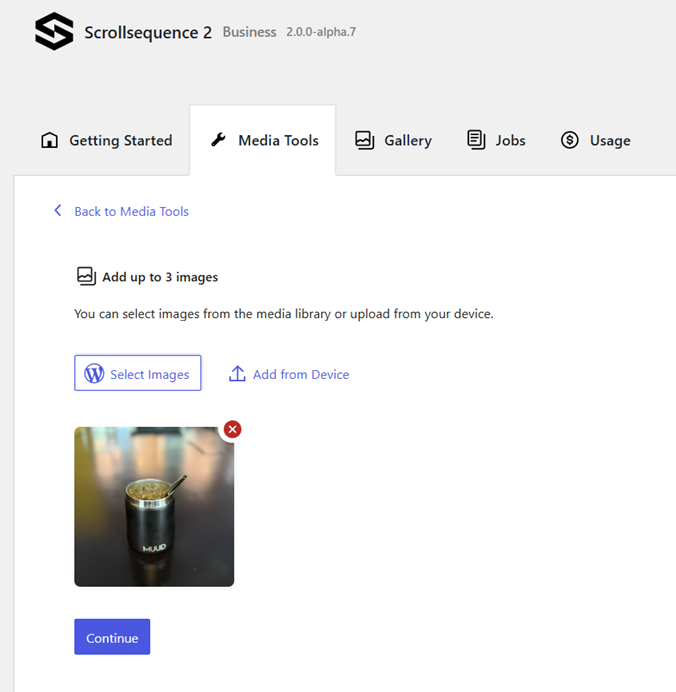
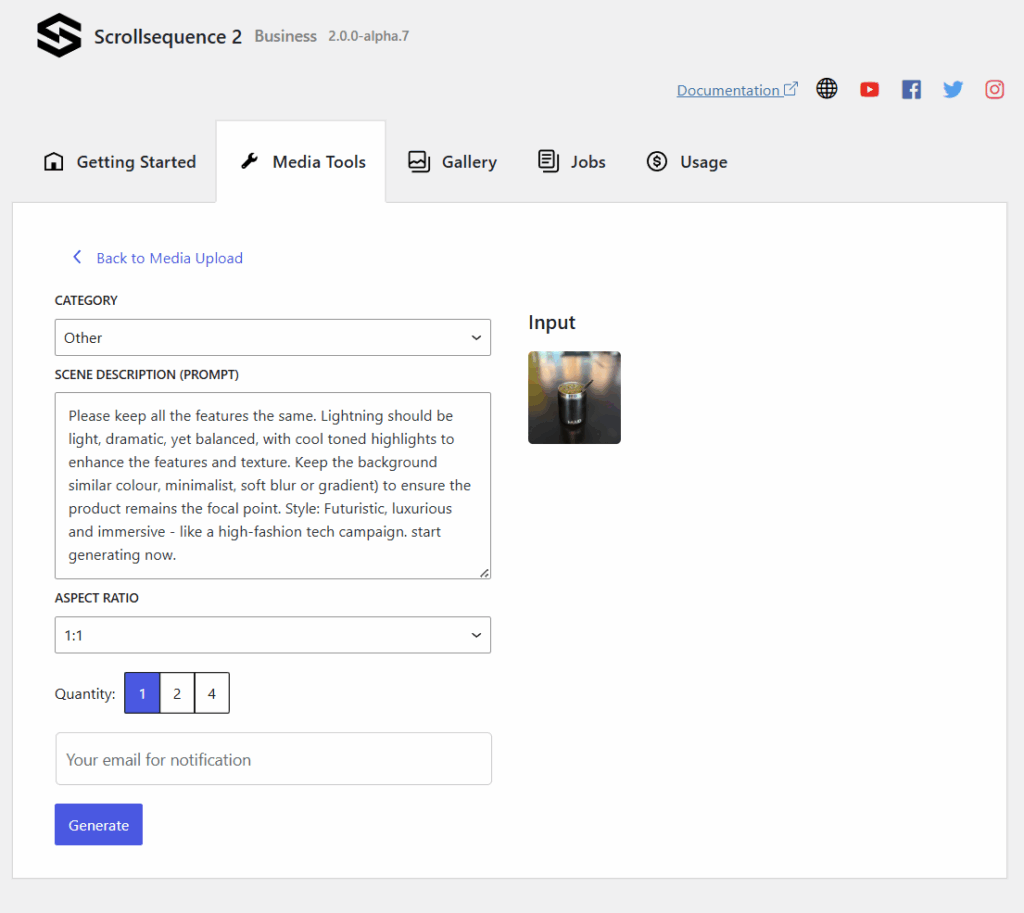
Now, let me tease you with the final result:
MUUD
YERBA MATE
Find Your Inner Balance
Step 2: Generate Videos from Images
With your refined images ready, use Scrollsequence’s integrated AI tools to create engaging videos. Define the style of camera motion you prefer—such as zooming, orbiting, or rotating around your product. Scrollsequence’s intuitive interface guides you through this process effortlessly, transforming static images into captivating animations.
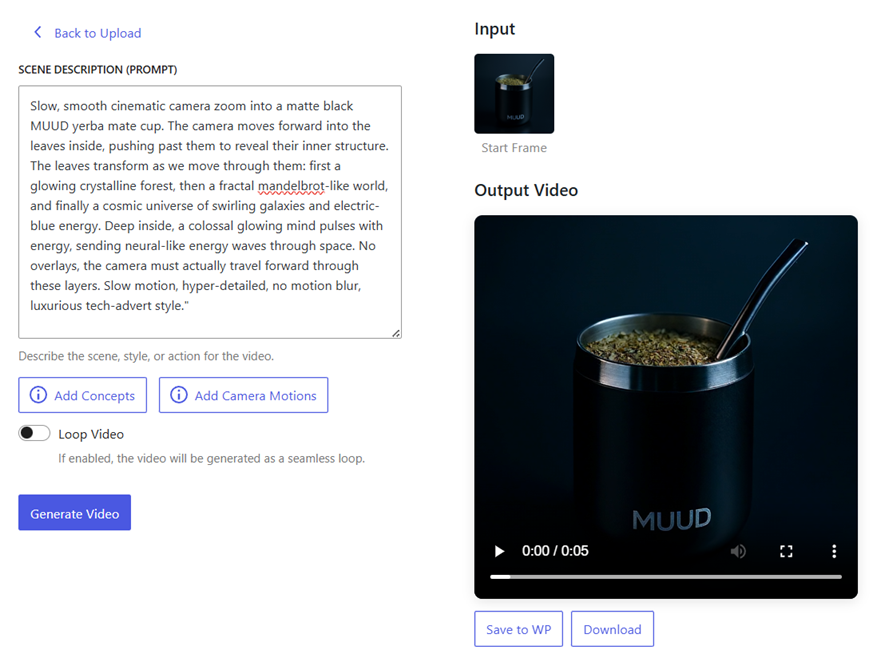
Prompt (1)
A slow, smooth cinematic camera zoom into a matte black MUUD yerba mate cup on a warm surface. The camera gently moves forward into the mate leaves, revealing more and more detail as it gets closer—fine leaf textures, tiny veins, and glistening dew. As the zoom continues seamlessly, the microscopic world emerges: delicate plant fibers, root-like networks, and flowing herbal oils shimmering in natural light. Everything feels alive and vibrant, like seeing the hidden life force of the plant up close. The motion is continuous and realistic, as if we are simply traveling deeper into the natural structure of the leaves. No overlays, no cuts—just one smooth, hyper-detailed zoom that highlights the richness and vitality of the herbs. Luxurious, warm, and artisan, evoking the feeling of pure, natural craftsmanship.Video (1)
Prompt (2):
Starting from a crisp macro close-up of yerba mate leaves with dew, the camera slowly and smoothly zooms out, revealing more leaves forming organic patterns. As the view widens further, the leaves naturally arrange themselves into the shape of a floating brain, made entirely of gently rustling green mate leaves and thin herbal stems. The brain hovers calmly in mid-air, surrounded by warm sunlight streaming through tall trees, with a soft breeze moving the leaves slightly. The motion is ultra-smooth, slow, and continuous, with no motion blur, crisp focus, and warm golden-green tones, symbolizing the natural intelligence and energy of the plant.Video (2)
After we have the video, we need to extract the images from it using the built-in conversion tool.
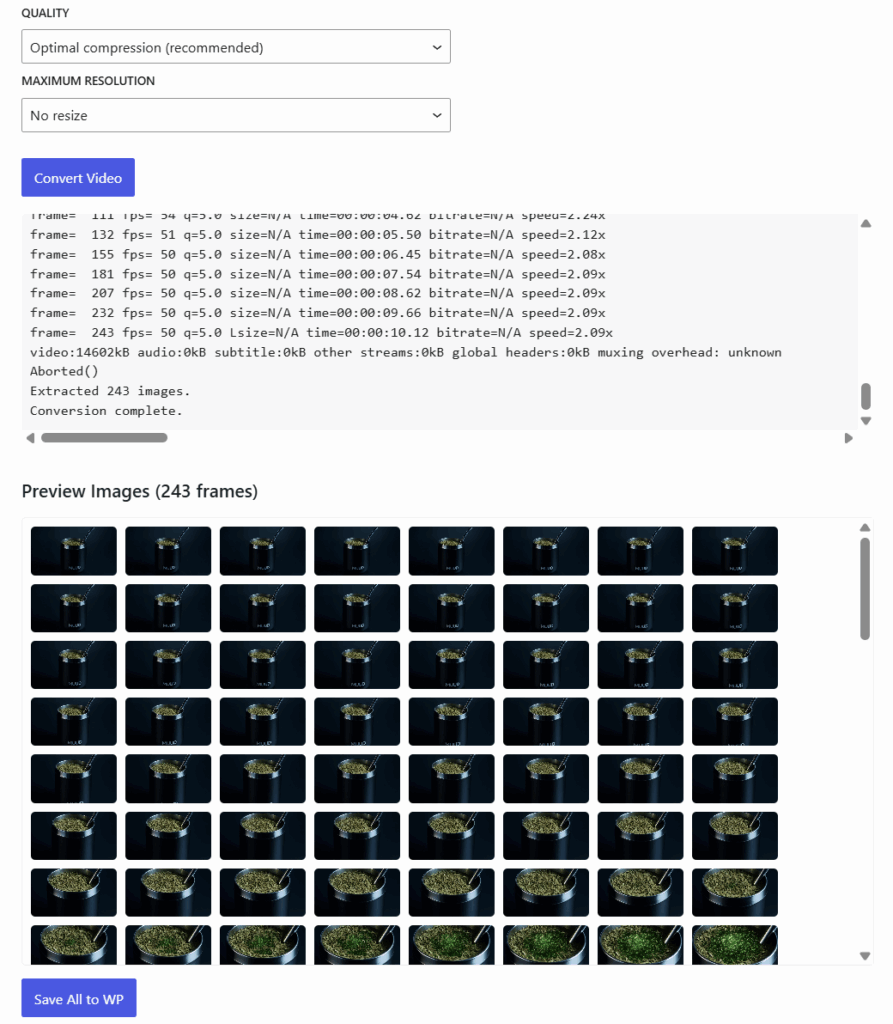
You can extract the last frame of the first video using our conversion tool and use it as the input to a second video, effectively extending the video.
Step 3: Implement Scroll Animations in WordPress
Next, integrate your animations seamlessly into your WordPress site:
- Add a “Container Block” in WordPress.
- Insert a “Viewport Block” within this container.
- Embed a “Canvas 2D Block” inside the viewport.
- Load your animated images into the Canvas 2D Block.
As users scroll through your webpage, the animations smoothly play forwards and backwards. For added flair, duplicate and reverse the image sequence to achieve a looping or “yoyo” effect.
Step 4: Generate and Animate Interactive Content
Now enhance your Scrollsequence with interactive elements:
- Add engaging headlines, descriptive texts, and call-to-action buttons.
- Use Scrollsequence’s built-in AI agent to effortlessly animate these elements, syncing perfectly with your scroll-based animations.
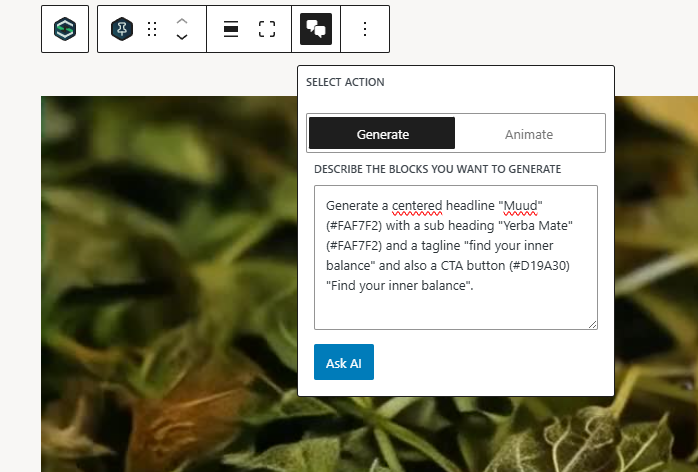
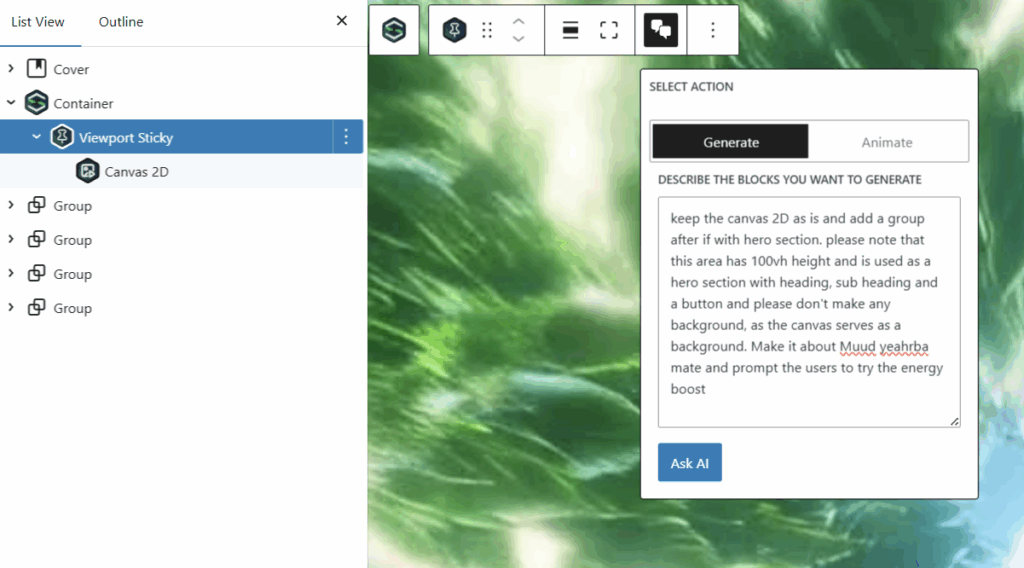
Animate it using built-in AI agent.

Perfect for:
Digital marketing campaigns.
E-commerce product showcases
Portfolio presentations
Interactive storytelling
Transform your basic images into scroll-driven masterpieces effortlessly. With Scrollsequence v2, the possibilities are truly endless.
Hope you like it and see you next time!
Leave a Reply